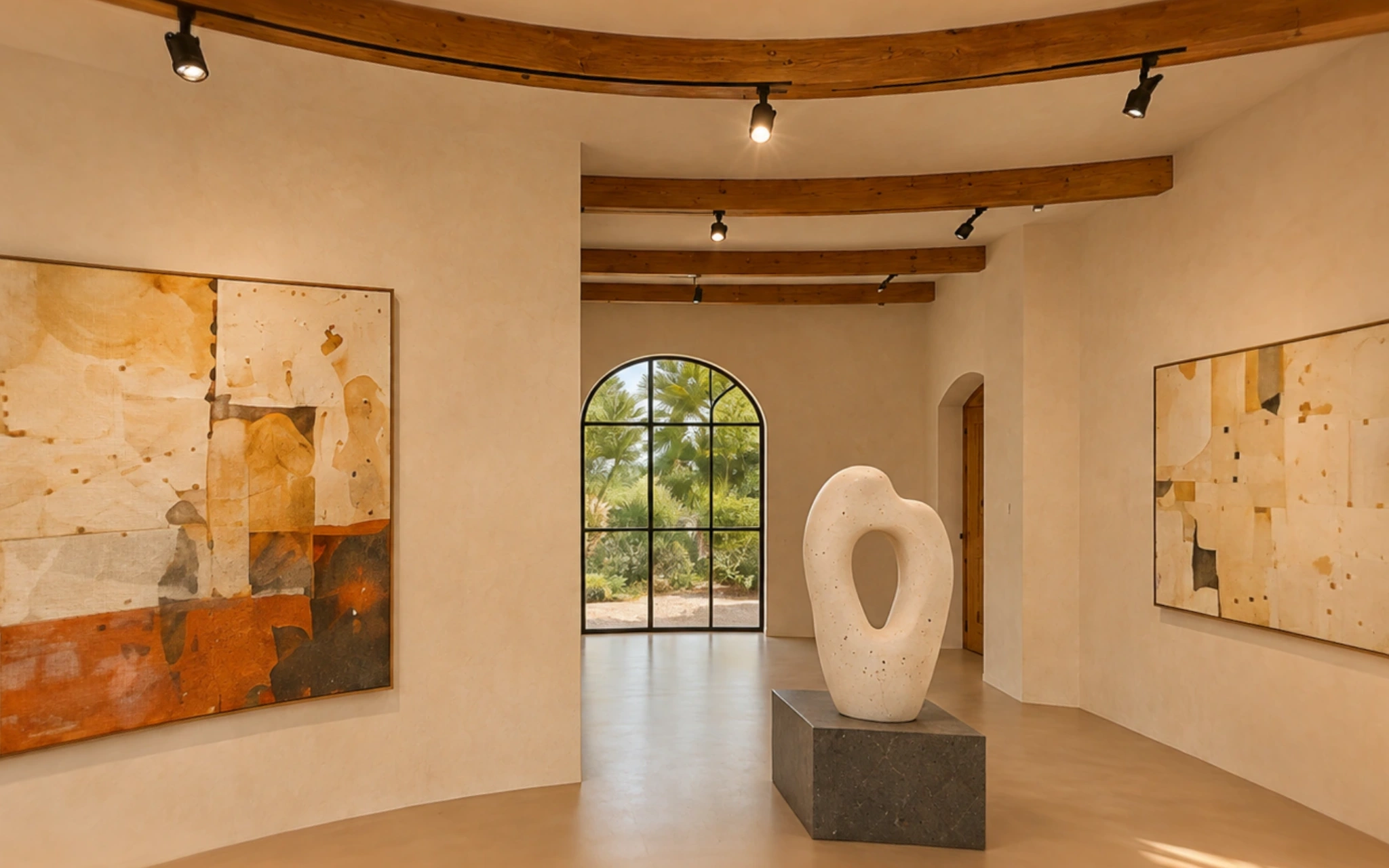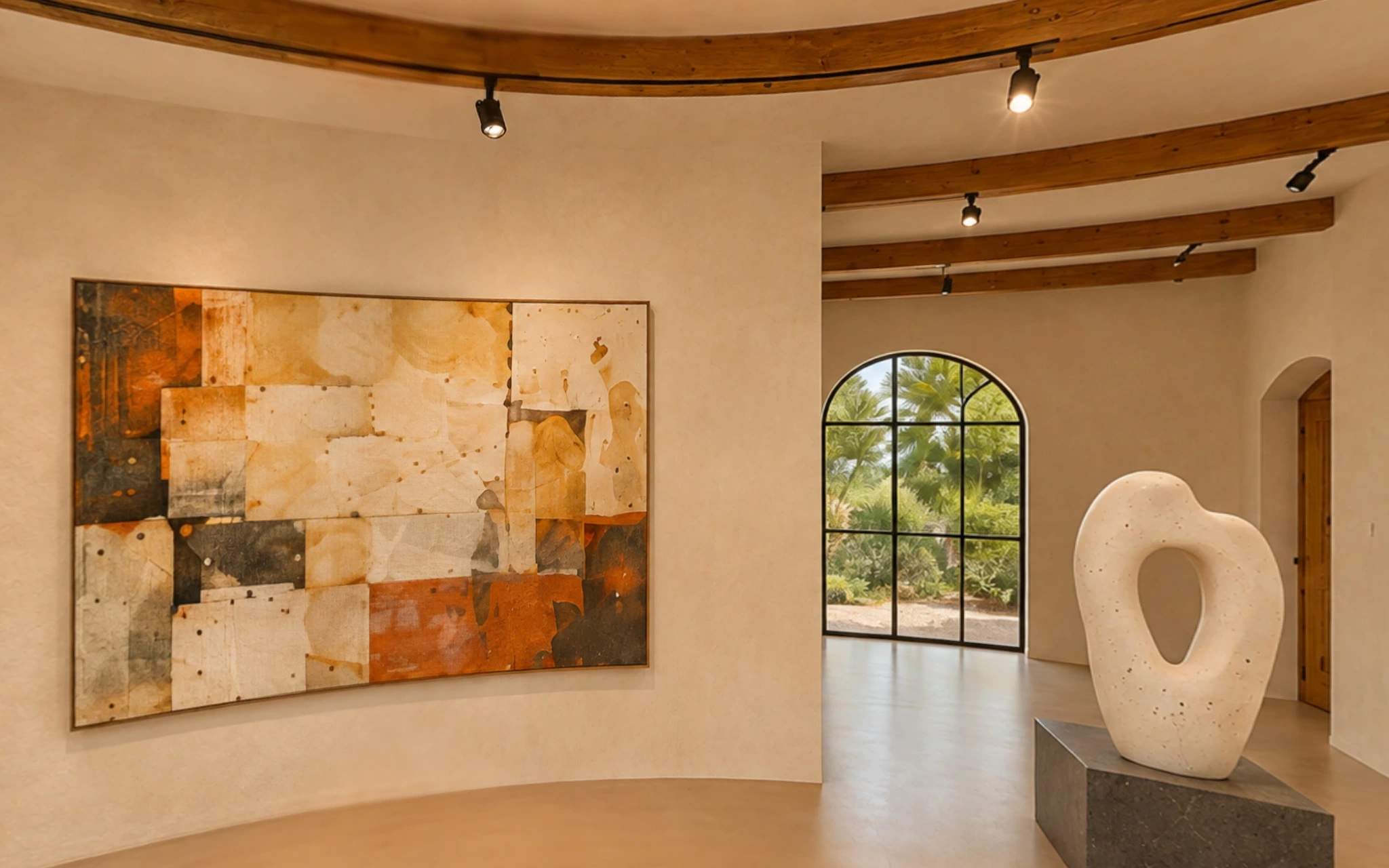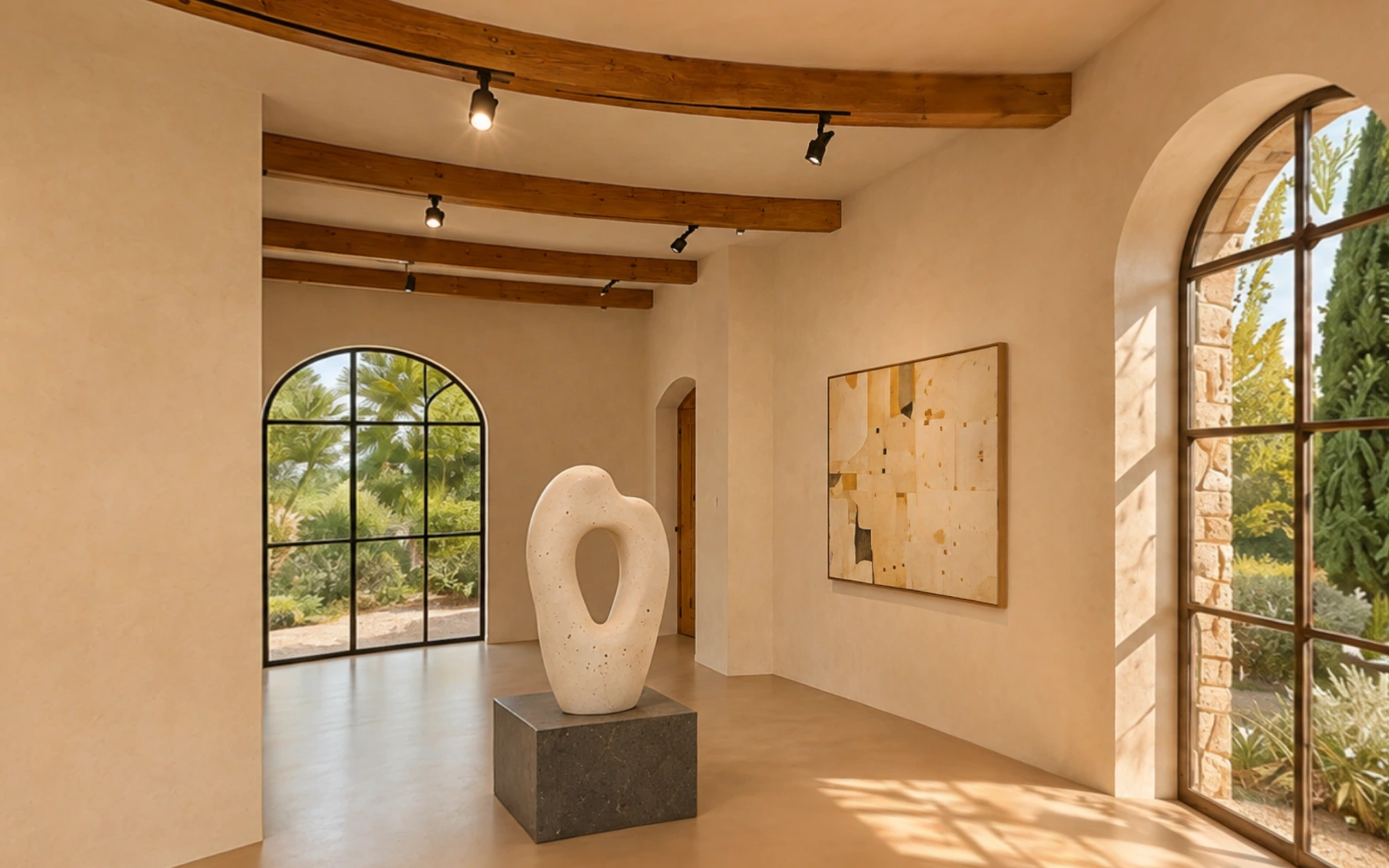
Features

From 360° photos
to spaces online.

Import your photos, connect the scenes and choose the result: a tour for your website or a video.

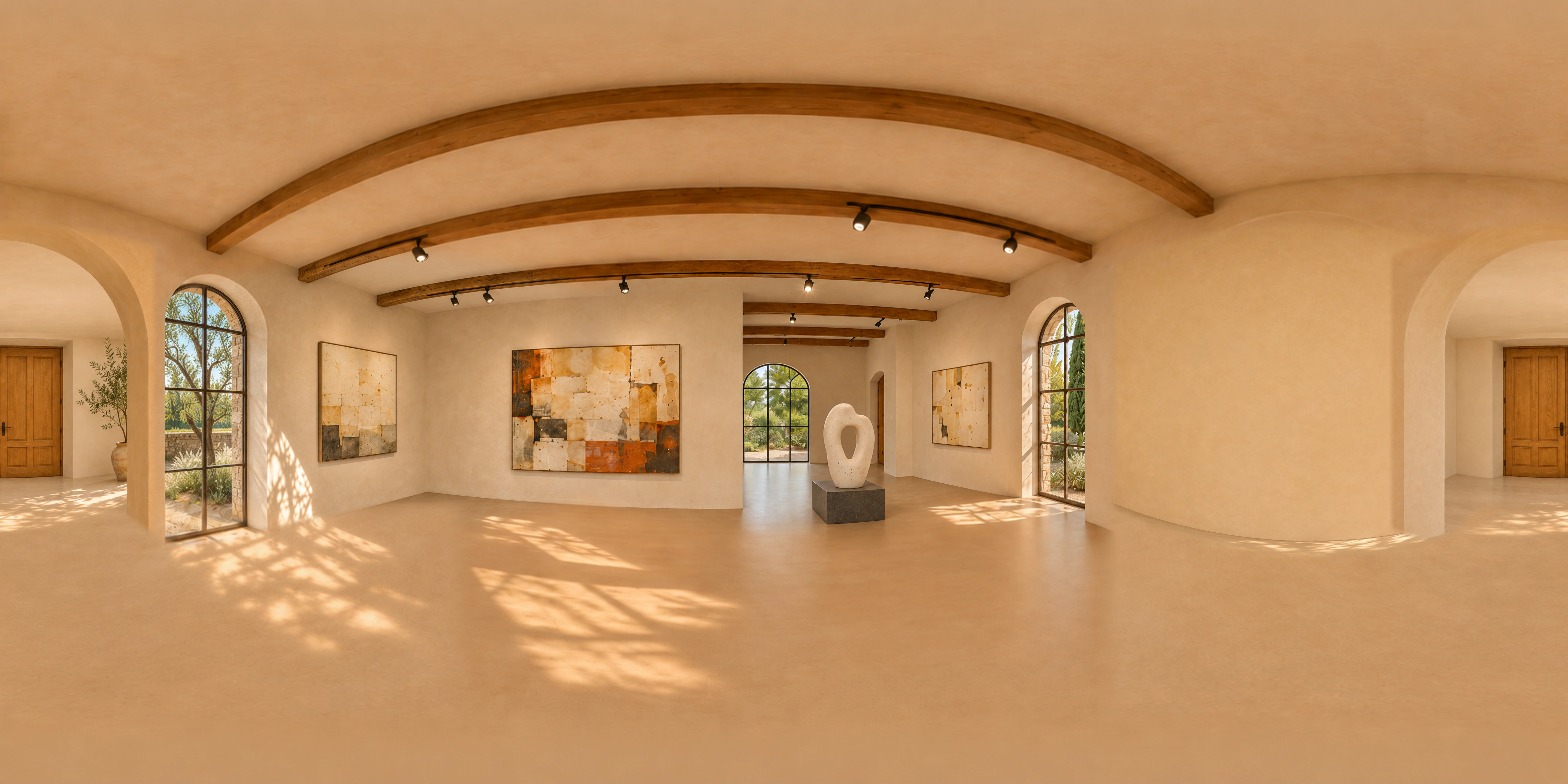
360° photos

Start with your 360° photos.

Import the photos from your 360° camera. Each photo becomes a scene in the tour.

  • Works with JPEG, PNG and WebP.
  • Choose where each scene starts looking.
Connections

Connect one scene to the next.

Mark the passage on the photo and choose where it leads. Do the same for the way back.

  • You work directly on the photo.
Exploration

Visitors move around freely.

They look around, follow the passages and choose which scenes to see.

  • Works on computers, tablets and phones.
  • Scene list, zoom and fullscreen.
Your website

Publish the tour on your website.

Tour Format creates a ZIP file with everything needed. You upload it to your website and share the link.

  • Hosting is not included: use your website or the service you prefer.
  • No subscription: the tour stays online for as long as you keep it.
  • Free up to 3 scenes, with a Tour Format watermark. No limits with Pro.
Password Pro

Protect the tour with a password.

Only people with the password can see the tour.

  • Keep the password safe: it cannot be recovered.
Video

Turn your photos into a video.

Choose the views and the movements. Get an MP4 ready to share.

  • Landscape, portrait or square.
  • Free: a short 720p video with a watermark.
  • No limits with Pro, up to 4K.

More useful features.

Information points
Add text, images and links to your scenes.
One file per project
With Pro you save each project in a file and reopen it on Mac or Windows.
English and Italian
Both the app and the published tour.

Try it with your 360° photos.

Explore the Mac and Windows versions and what Pro includes.